
HALO®, HALO AI, and HALO Link 4.3 Features and Functionalities
In this blog post, you can learn about the new features coming in version 4.3 of HALO®, HALO AI, and HALO Link, when to expect your chance to upgrade, and where to find user guides, release notes, and tutorial videos.
What new features are included in the 4.3 release?
HALO® 4.3
The 4.3 release of HALO introduces a faster, more flexible image analysis experience designed to streamline workflows and improve performance. Users can now create image copies from a single file location while maintaining fully independent annotations, view settings, and analyses for greater workflow flexibility. Performance updates to the viewer and a new annotation framework improve stability and responsiveness. Object data customization allows users to limit exported analysis columns and create custom calculations, while Threshold Assist is enhanced with smarter compartment options and automatic DAPI exclusion.
HALO AI 4.3
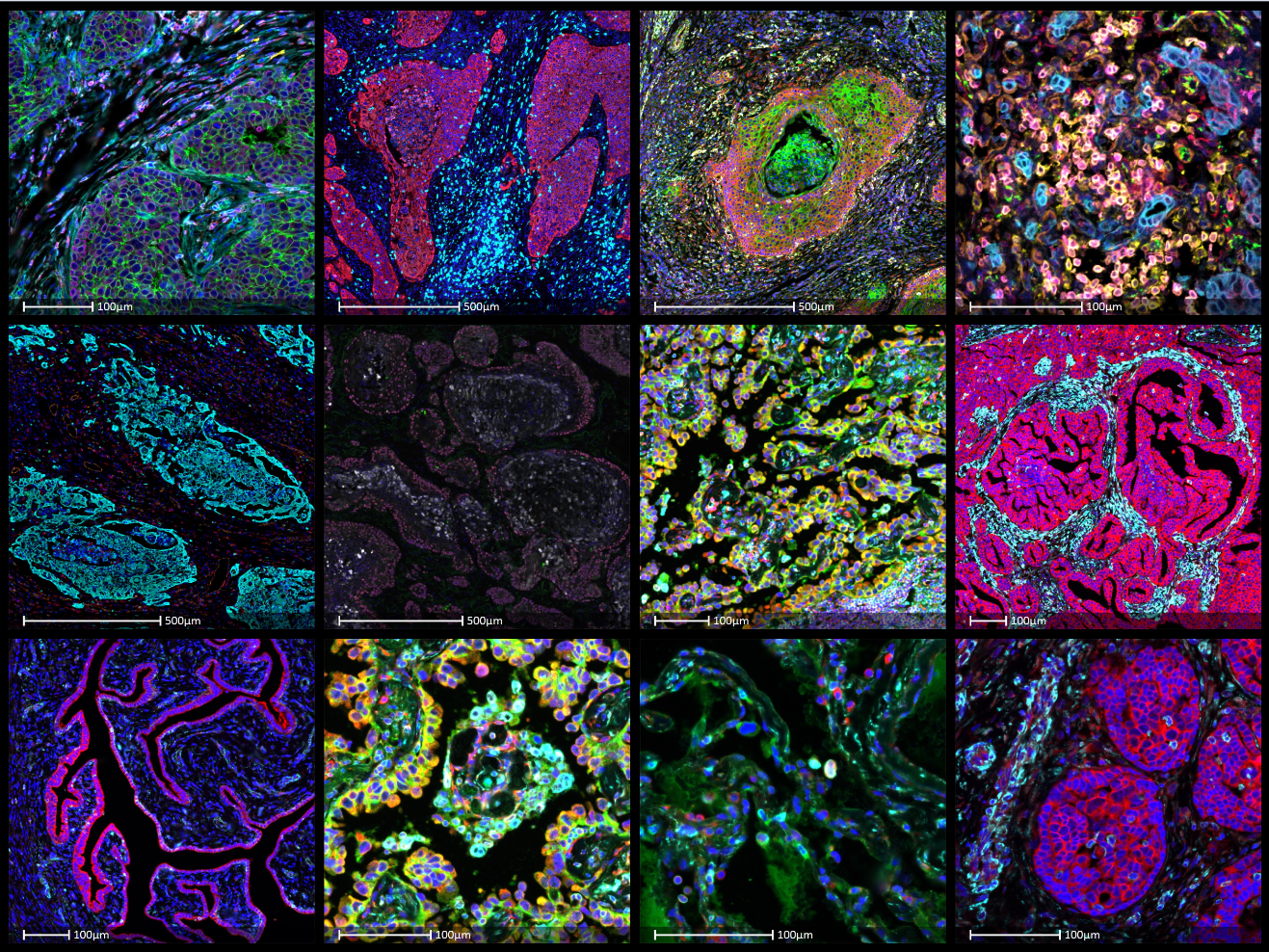
The 4.3 release of HALO AI delivers advancements across classifier workflows, improvements to the high dimensional analysis module, and introduces the new ADC Module, an AI-powered solution for evaluating ADC target expression with advanced AI segmentation, spatial analysis, and quantitative continuous scoring outputs. With new batch launch training sessions, cross entropy reporting, and per-class reporting for classifier pipelines, users can more efficiently test model variants, evaluate classifier performance, and generate biologically meaningful results from complex AI workflows. Improved High Dimensional Analysis Module usability with interactive feature heatmap exploration helps users connect cluster-level insights directly to tissue context.
HALO Link 4.3
The 4.3 release of HALO Link includes significant performance, usability, and visualization enhancements across the platform. Users can now efficiently manage large studies containing thousands of images with faster slide viewer loading, instant image navigation, and high-performance image viewing. Study creation has been accelerated through direct creation from search results, while centralized task configuration improves workflow visibility using unique task status indicators with custom colors and icons. User management has also been enhanced to support faster onboarding and more streamlined access management, which is especially valuable for large teams. Z-stack viewing support has been expanded to include CZI images. Annotation manager improvements include a new source column indicating whether annotations were created by a specific analysis setting, along with layer sorting by hue. The plotting tools support zooming into dense regions for easier selection of individual data points and now enable selection of summary data for both the X- and Y-axis box-and-whisker plots. In addition, the platform now supports displaying UMAP clustering plots and feature heatmaps generated by the High Dimensional Analysis module.
Where can I learn more about HALO, HALO AI, and HALO Link 4.3?
Check out these resources to learn more about the latest release. You will need an account on our new Learning Portal to access these resources. If you do not already have an account, you can create one here.
SUPPORT DOCUMENTATION
The documentation below can be found on the Resources page of our new Learning Portal. Search for “4.3” using the box at the top of the page to find all relevant documents.
TUTORIAL VIDEOS
HALO:
HALO AI:
HALO Link:
HALO Modules:
WEBINARS
What is new in HALO, HALO AI, & HALO Link 4.3?
When can I expect to receive my 4.3 upgrade?
Indica Labs’ Technical Solutions team will be sending an email out to customers with eligible Software Maintenance and Support (SMS) plans.
If you haven’t already, please add the following emails to your safe sender list to make sure our emails make it to you and not your spam folders: support@indicalab.com, info@indicalab.com, and marketing@indicalab.com.
Once you receive this email and submit your upgrade request, our Technical Solutions team will work with you to schedule your installation. If your HALO, HALO AI, or HALO Link licenses do not have an active SMS plan or you are unsure of your plan status, submit this form and we’ll be in touch with you soon.
If you have questions regarding the release, feel free to reach out to support@indicalab.com.